 Image 1 of 1
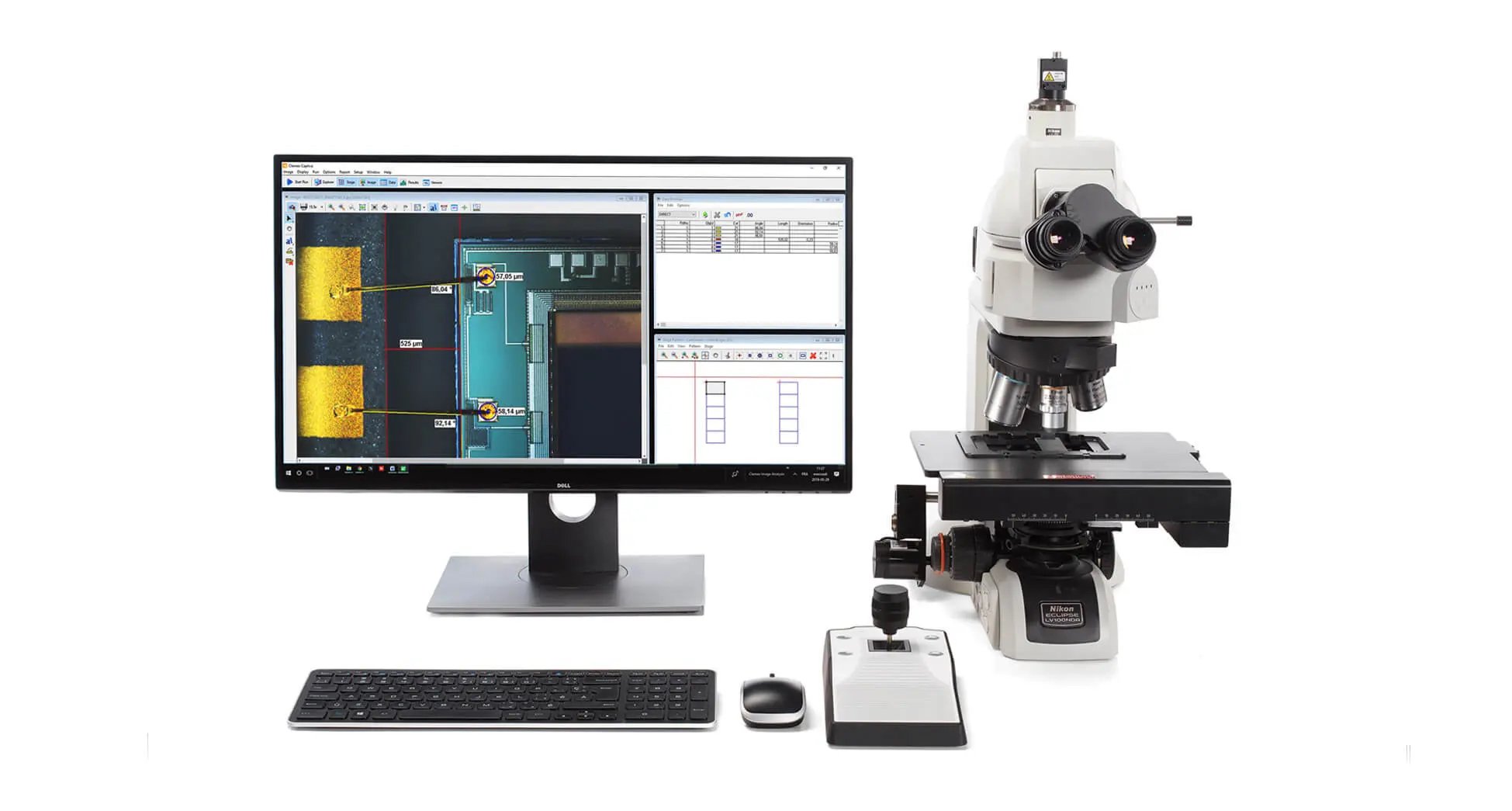
Clemex Vision Core. A single software solution for all your microscopy needs.
Clemex Vision Core is a fully integrated image analysis system for labs seeking traceable, repeatable, and accurate results. This powerful microscope control system includes a great range of computer vision functions, catering for various applications in industry and research. The system is fully compatible with Windows environments and designed in compliance with international standards.
Type of analysis: Standards
ASME B46.1 - Surface Texture (Surface Roughness, Waviness, and Lay)
ASTM A247 - Microstructure of Graphite in Iron Castings
ASTM B487 - Measurement of Metal and Oxide Coating Thickness
ASTM E1077 - Depth of Decarburization of Steel Specimens
ASTM E112 - Average Grain Size
ASTM E1245 - Inclusion or Second-Phase Constituent Content of Metals
ASTM E1268 - Degree of Banding or Orientation of Microstructures
ASTM E562 - Volume Fraction by Systematic Manual Point Count
DIN 17230 - Ball and Roller Bearing Steels
ISO 945 - Microstructure of Cast Irons
Clemex Vision Core is a fully integrated image analysis system for labs seeking traceable, repeatable, and accurate results. This powerful microscope control system includes a great range of computer vision functions, catering for various applications in industry and research. The system is fully compatible with Windows environments and designed in compliance with international standards.
Type of analysis: Standards
ASME B46.1 - Surface Texture (Surface Roughness, Waviness, and Lay)
ASTM A247 - Microstructure of Graphite in Iron Castings
ASTM B487 - Measurement of Metal and Oxide Coating Thickness
ASTM E1077 - Depth of Decarburization of Steel Specimens
ASTM E112 - Average Grain Size
ASTM E1245 - Inclusion or Second-Phase Constituent Content of Metals
ASTM E1268 - Degree of Banding or Orientation of Microstructures
ASTM E562 - Volume Fraction by Systematic Manual Point Count
DIN 17230 - Ball and Roller Bearing Steels
ISO 945 - Microstructure of Cast Irons
It is ideally suited to repetitive applications which can be easily analysed using either the library of pre-built routines, or one of the optional application packages. In addition, new routines can quickly be pre-programmed or customised. Builds on Vision Lite but includes advanced binary operations such as : separate, reconstruct, zone and other for automatic separation of particles. Automatic and manual Image segmentation. Automatic object transfer by limits such as : size, shape factor and more. Advanced object and field measurements and several custom measurements (Field/Object & Fraction)
Vision Core has the typical Clemex intuitive, user-friendly interface. This enables you to develop image analysis routines in a few minutes using three simple steps.
Step 1: Capture your images
You create a list of image capture instructions chosen from the user-friendly toolbox. The software then interfaces directly with the hardware to ensure high resolution, high contrast images every time.
The automated shading corrector and auto exposure ensures even illumination.
The extended depth of field ensures the sample is perfectly focused even if its surface is uneven.
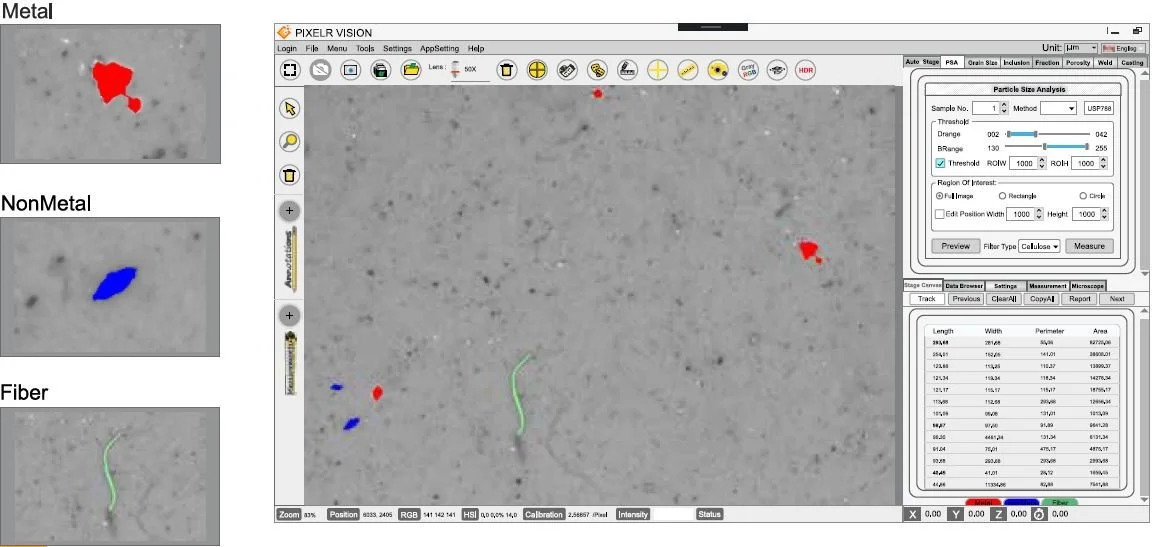
Objects are accurately detected and tracked. Contrast thresholding is applied for transparent items whereas colour detection is used where grey shading is unhelpful.
There is automatic and seamless stitching together of multiple fields to create composite mosaic images. Measurements can be taken after the stitching has been completed.
You can store an unlimited number of calibration settings, and naturally auto-calibration is conducted and stored before each analysis for traceability.
Step 2: Quantify images
Writing the analysis routine is similarly straightforward. Just pick a list of actions and object characteristics from the toolbox and the routine creates itself.
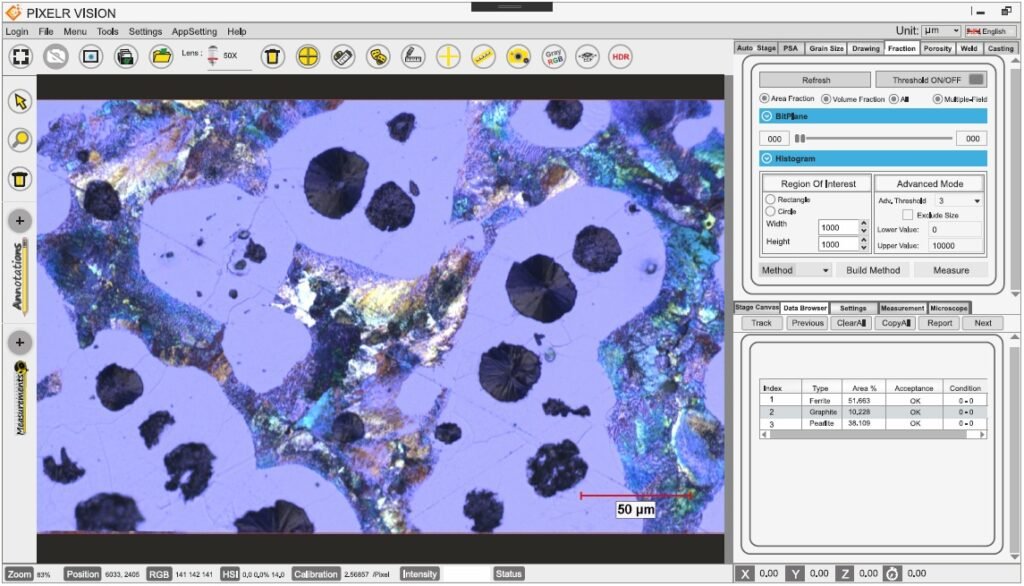
There is a library of pre-built imaging analysis routines built to comply with ASTM,ISO,DIN and IEST standards to select from, or you can fine tune these to meet your own in-house standards. For frequently used analysis such as grain sizing, layer thickness, particle sizing and phase analysis additional application modules can be purchased to speed up the analysis process even further.
Step 3: Manage your results
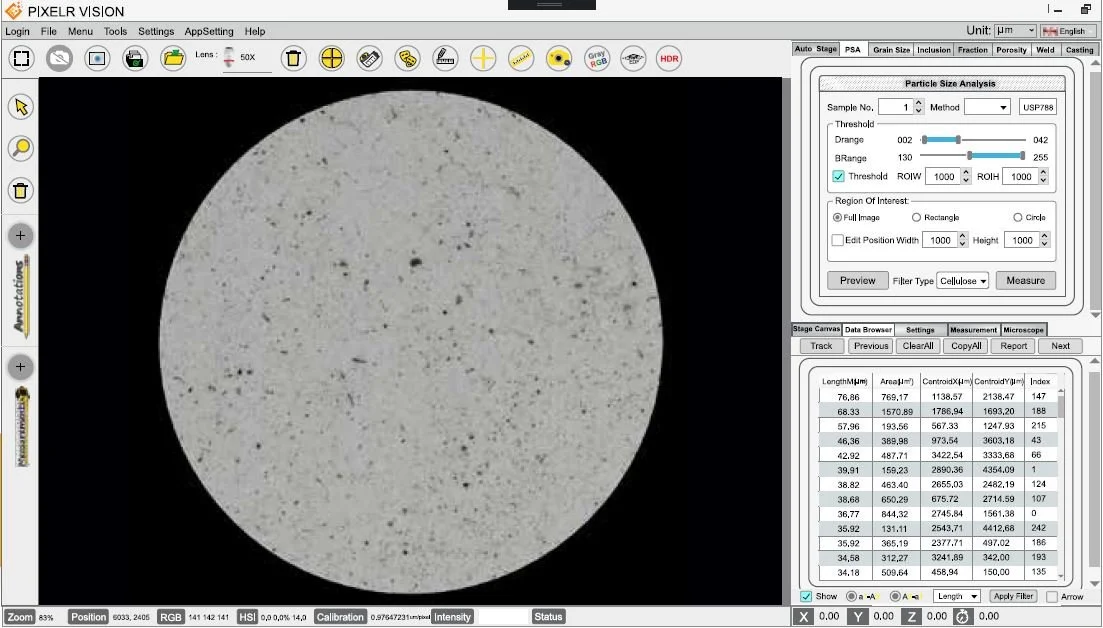
You can validate your results easily in the data browser which links each measurement directly to its corresponding feature on the image.
You can add non-destructive annotations to the image including your company logo.
You can customise printable reports to your own specification and save them in Excel or text format. The optional report writer module can completely automate the report writing process and add images, raw data, statistics and graphs in professional looking reports based on your criteria.